UX Pilot - Revolutionizing UX/UI Design with AI
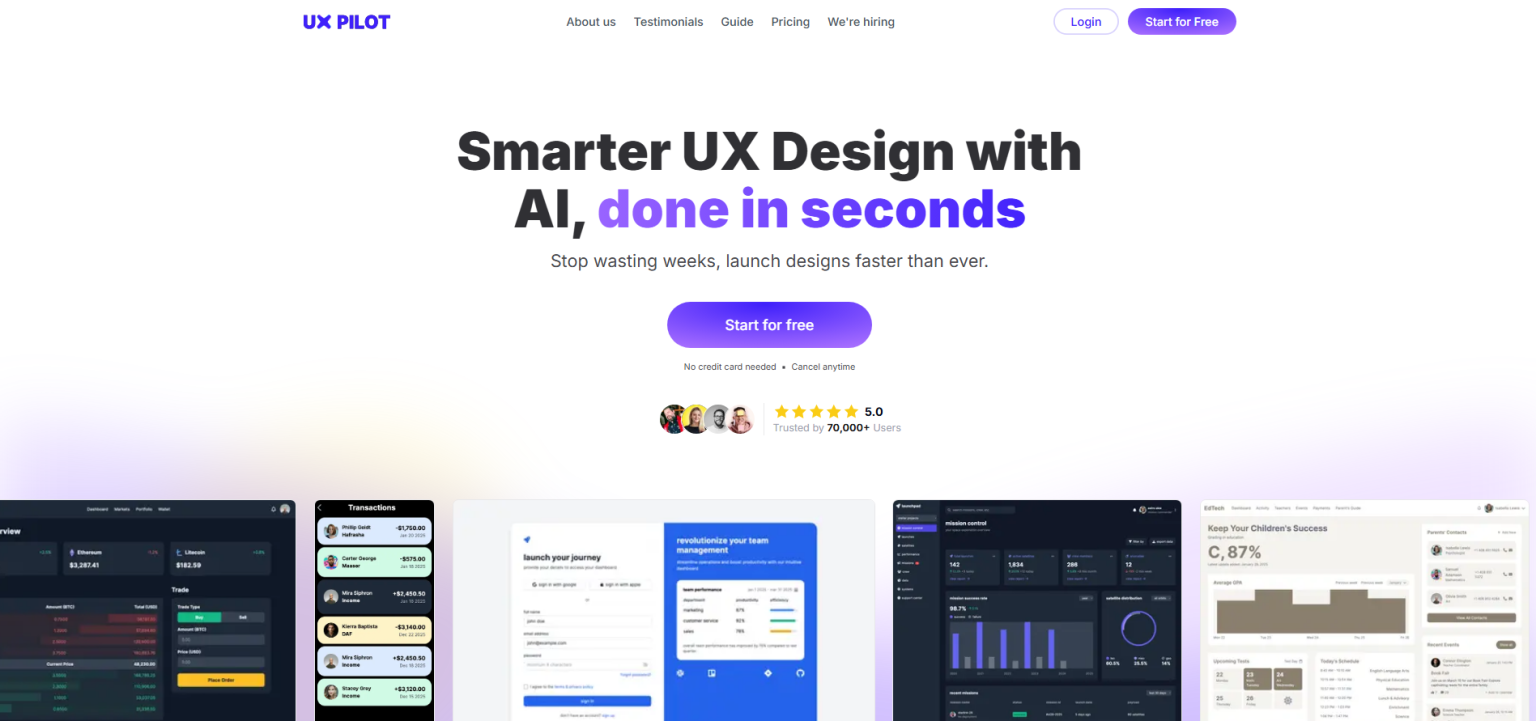
Introduction to UX Pilot
UX Pilot (UX Pilot) is an innovative AI-powered platform designed to transform the UX/UI design process. It offers a comprehensive suite of tools that assist designers and product teams in creating wireframes, high-fidelity UI designs, prototypes, and conducting UX design reviews. With seamless integration with popular design tools like Figma, UX Pilot aims to enhance productivity, creativity, and efficiency in the design workflow. Trusted by over 70,000 users from top companies such as Apple, Samsung, Microsoft, and Spotify, UX Pilot is quickly becoming a go-to tool for modern design teams.
What Makes UX Pilot Special?
UX Pilot stands out due to its advanced AI capabilities and user-friendly features that cater to the entire UX/UI design process. Here are some of its key features:
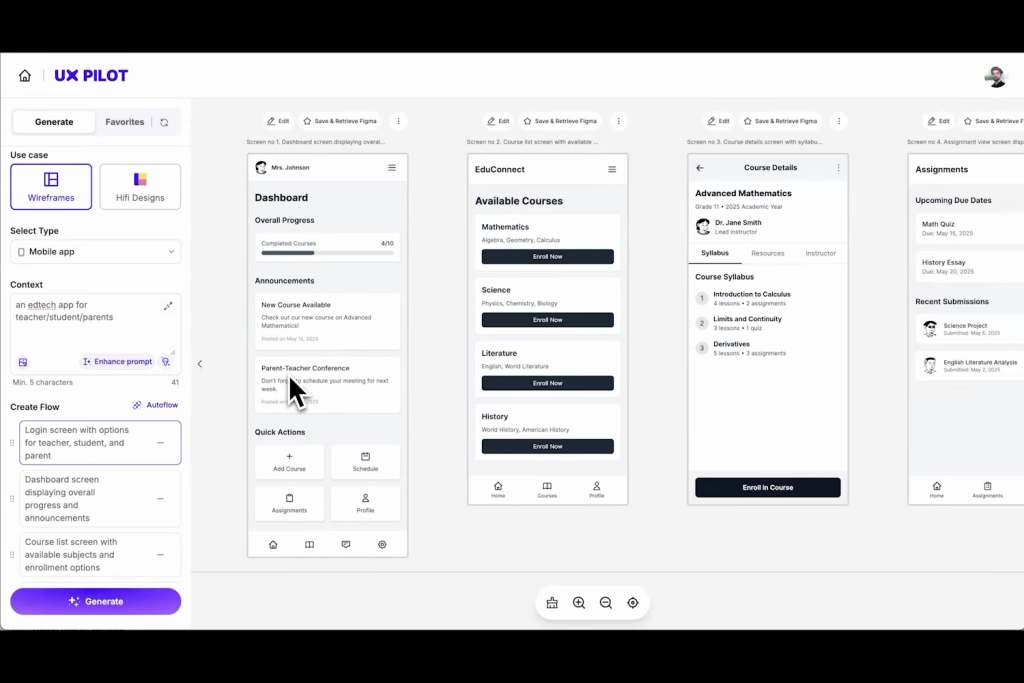
AI-Powered Design Generation: Instantly create high-fidelity UI designs and flexible wireframes for both desktop and mobile platforms.
Intelligent Design Controls: Use natural language to describe your design needs and fine-tune the output with precise controls.
Unlimited Design Variations: Experiment with different UI styles and build adaptive interfaces that meet diverse design requirements.
Swift Prototype Development: Design adaptable interfaces and generate implementation-ready code, speeding up the development process.
Reference-Based Creation: Import inspiration images and extract color palettes to align designs with brand guidelines.
UX Design Review: Receive actionable feedback on your designs, including tips to optimize usability and engagement, backed by predictive heatmaps.
These features make UX Pilot a versatile tool that supports designers from the discovery phase through to visual design and beyond.
Advantages of UX Pilot
UX Pilot offers numerous benefits that make it a valuable asset for design teams:
Time-Saving: Reduces the time from concept to implementation by up to 80%, allowing teams to focus on creativity rather than repetitive tasks.
Data-Driven Insights: Provides predictive heatmaps and analytics to validate design decisions and improve user satisfaction.
Improved Deliverable Quality: Enhances the quality of designs with AI assistance, ensuring professional and polished results.
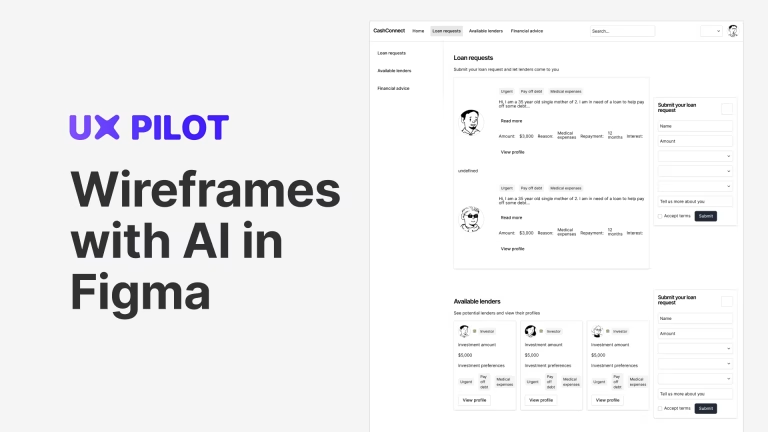
Seamless Integration: Works seamlessly with Figma, enabling easy transfer of AI-generated screens for further editing or collaboration.
User-Friendly Interface: Even non-experts can benefit from its intuitive tools and AI guidance, making it accessible to a wide range of users.
Custom Workshop Templates: Facilitates UX research sessions with pre-built templates, making it easier for first-time facilitators.
Free Trial with Credits: Offers a free account with complimentary credits to explore key features like wireframes, high-fidelity designs, and predictive heatmaps.
User testimonials highlight these advantages, with many praising the tool’s ability to streamline workflows and provide valuable design insights. For example, Jeremy Miller stated, “I absolutely love UX Pilot’s facilitation templates. The number of templates is huge, and it makes my job a lot easier. I also love the custom workshop template generator. UX Pilot has definitely helped make me a better, more confident facilitator!” (UX Pilot Testimonials). Similarly, Tibi David noted, “I absolutely love the UX Design Review feature. After submitting my entire landing page for a UX review, I received some incredibly valuable tips that I immediately applied, resulting in an even higher conversion rate.”
Discover how top companies use UX Pilot to create user-centric designs. Sign up for free at UX Pilot and start designing smarter!
Disadvantages of UX Pilot
While UX Pilot is highly regarded, it does have some limitations:
Limited Free Plan: The basic plan only allows a preview of the UI generator, and full access to all features requires a paid subscription.
Target Audience Specificity: Primarily designed for UX designers and product teams, it may not fully meet the needs of developers looking for simple, fast UI generation without the full UX process.
These drawbacks might be significant for users who are hesitant to commit to a paid plan or who are primarily focused on development rather than comprehensive UX design.
Who is UX Pilot Suitable For?
UX Pilot is ideal for:
UX/UI Designers: Those looking to speed up their design process and enhance their workflows with AI assistance.
Product Teams: Teams needing to validate and improve their designs with data-driven insights and predictive analytics.
Companies Valuing User-Centric Design: Organizations that prioritize high-quality, user-focused designs and are willing to invest in AI-powered tools.
Teams Using Figma: Those already using Figma or open to integrating with popular design platforms for seamless collaboration.
While it’s primarily targeted at designers and product teams, its intuitive interface makes it accessible to non-experts as well.

Overall Evaluation
UX Pilot is a game-changer for UX/UI design, leveraging AI to make the design process faster, more efficient, and data-driven. Its ability to generate high-quality designs quickly, combined with features like UX design review and seamless Figma integration, makes it a valuable asset for modern design workflows. While the limited free plan might be a drawback for some, the benefits it offers to its target audience make it a worthwhile investment for those serious about enhancing their design process.
Ready to elevate your design game? Join UX Pilot today and transform your UX/UI workflow with AI!
Frequently Asked Questions
What is UX Pilot?
UX Pilot is an AI-powered platform that helps in generating wireframes, UI designs, prototypes, and conducting UX design reviews.Is UX Pilot free to use?
UX Pilot offers a free account with complimentary credits, but full access to all features requires a paid plan.Does UX Pilot integrate with other design tools?
Yes, it integrates seamlessly with Figma, and potentially with other tools, enhancing the design workflow.Can non-designers use UX Pilot?
While designed for UX/UI designers, its intuitive interface and AI assistance make it accessible to non-experts as well.
Conclusion
UX Pilot is a powerful tool that revolutionizes the way designers and product teams approach UX/UI design. By combining AI-driven efficiency with creative control, it offers a comprehensive solution for modern design challenges. Whether you’re a seasoned designer or part of a product team looking to enhance your design capabilities, UX Pilot is a tool worth exploring. Don’t miss out on the opportunity to transform your design process with this innovative platform!