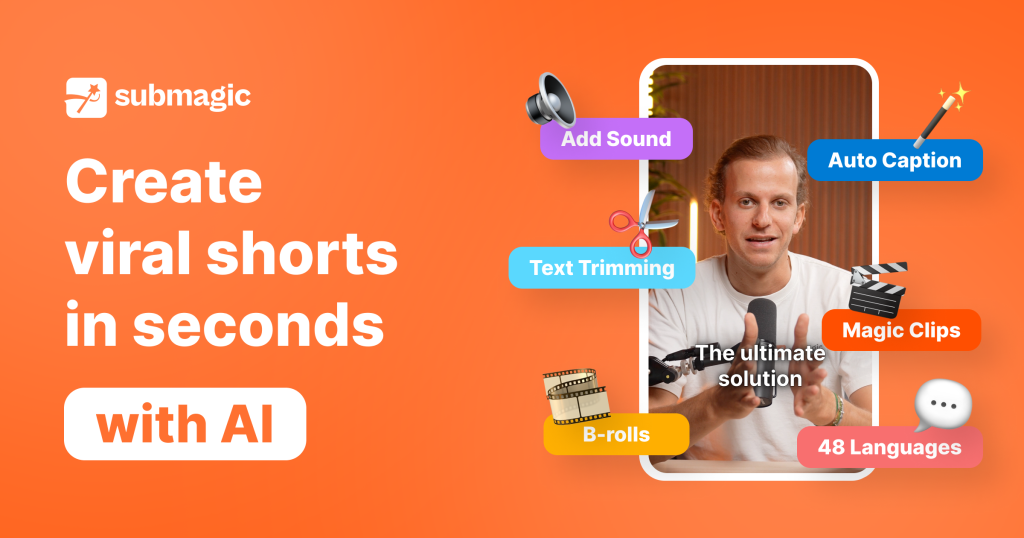
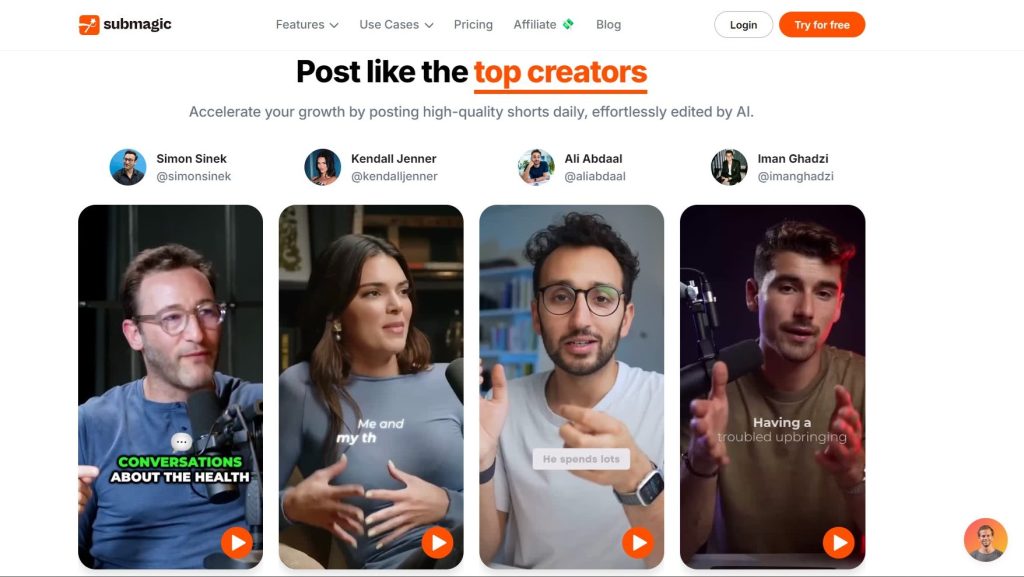
Submagic is an AI-powered tool designed to automatically generate, sync, and customize subtitles for your videos. Whether you’re a YouTuber, educator, marketer, or just someone sharing content on social media, Submagic helps you create professional-quality captions without spending hours manually typing them out.
Why Subtitles Matter in the Digital Era In today’s fast-paced digital landscape, many people watch videos with the sound off—especially on social media. Subtitles ensure your message reaches everyone, including non-native speakers and the hearing-impaired. Plus, they can dramatically boost watch time, engagement, and even search engine rankings
How Submagic Works
AI-Powered Transcription Submagic uses advanced speech-to-text algorithms to listen to your video’s audio and instantly convert it into written captions. This eliminates the need for manual transcription.
Multi-Language Support The tool can generate captions in multiple languages, making your content accessible to a global audience.
Automatic Timing Synchronization It automatically matches captions with speech patterns, ensuring perfect timing without extra editing.
Key Features of Submagic
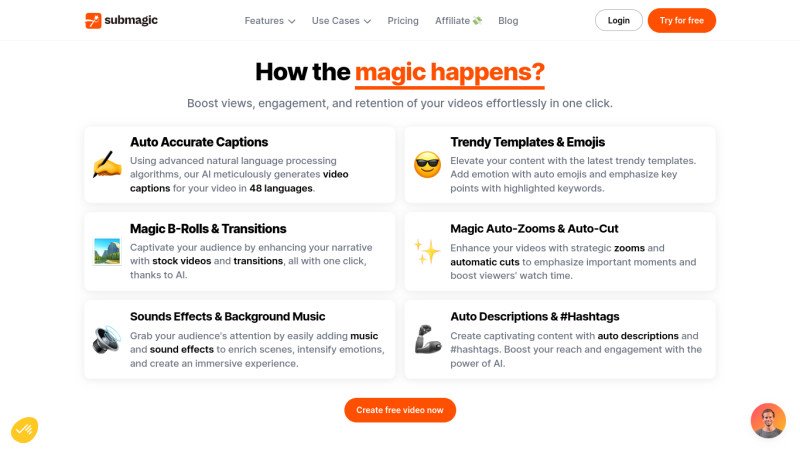
Auto-Generated Subtitles: Instantly create captions without manual effort.
Customizable Caption Styles: Change fonts, colors, and positioning to fit your brand.
Multi-Platform Export Options: Export for YouTube, TikTok, Instagram, and more.
Speech-to-Text Accuracy: Highly accurate AI ensures minimal corrections.
Integration with Popular Video Platforms: Easily import and export directly to your favorite platforms.
Benefits of Using Submagic
Accessibility for All Viewers: Captions help hearing-impaired audiences follow along.
Boosting Engagement and Watch Time: Subtitles encourage viewers to stay longer.
SEO and Searchability Benefits: Subtitles make your videos easier to find online.
Time and Cost Efficiency: Skip the manual labor and expensive outsourcing.
Who Can Benefit from Submagic
Content Creators and Influencers: Stand out with engaging, captioned content.
Educators and Online Trainers: Improve comprehension and retention for students.
Businesses and Marketing Teams: Reach wider audiences with multilingual captions.
Podcasters and Streamers: Turn spoken content into shareable, searchable text.
How to Use Submagic Step-by-Step
Sign Up – Create your free or paid account.
Upload Your Video – Drag and drop your file or import from a URL.
Customize Subtitles – Edit text, adjust timing, and style captions to your liking.
Export & Publish – Save your work in the format you need and share it online.
Pricing Plans and Options
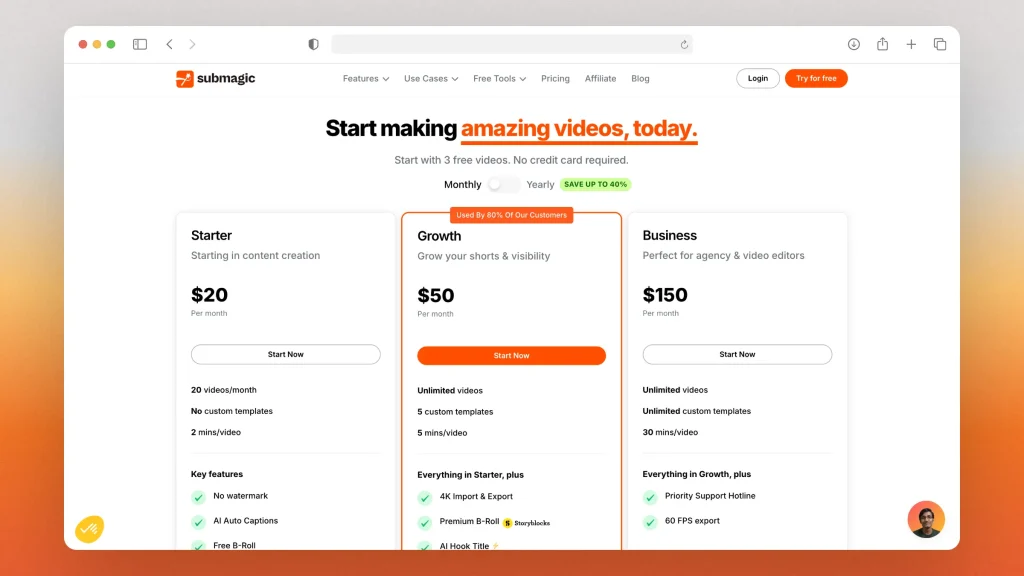
Free Version: Limited features, ideal for testing.
Paid Plans: Unlock advanced customization, translations, and unlimited exports.
Value for Money: Compared to hiring a transcriptionist, Submagic is a bargain.
Comparison: Submagic vs Other Subtitle Tools
Submagic vs CapCut: Submagic has better customization options.
Submagic vs VEED.io: More intuitive interface and affordable pricing.
Submagic vs Descript: Specializes in captions rather than full video editing.
Real-World User Reviews
Positive Feedback: Users love how fast and accurate the captions are. Areas for Improvement: Some users want more font style options and better offline capabilities.
Tips to Get the Most Out of Submagic
Use high-contrast colors for better readability.
Match caption style with your brand’s look and feel.
Leverage AI translations to reach new audiences.
Common Issues and Solutions
Sync Problems: Re-sync using the built-in timing editor.
Incorrect Words: Edit captions directly in the preview window.
Export Errors: Check format compatibility before downloading.
The Future of AI Subtitles
Expect innovations like real-time captions, voice cloning, and lip-sync AI, making video content more interactive and inclusive than ever before.
Conclusion
Submagic is more than just a subtitle generator—it’s a game-changer for creators, educators, and businesses looking to improve accessibility, engagement, and global reach. With its AI precision, customization options, and ease of use, it’s a must-have tool for modern content production.
FAQs
1. Can Submagic translate subtitles into multiple languages? Yes, it supports multiple languages for global accessibility.
2. Is Submagic free to use? It offers both free and paid plans depending on your needs.
3. Does Submagic work offline? Currently, it’s web-based and requires an internet connection.
4. How accurate is Submagic’s AI? Its speech-to-text accuracy is among the best in the market, but minor edits may be needed.
5. Which video formats are supported? It supports popular formats like MP4, MOV, AVI, and more.